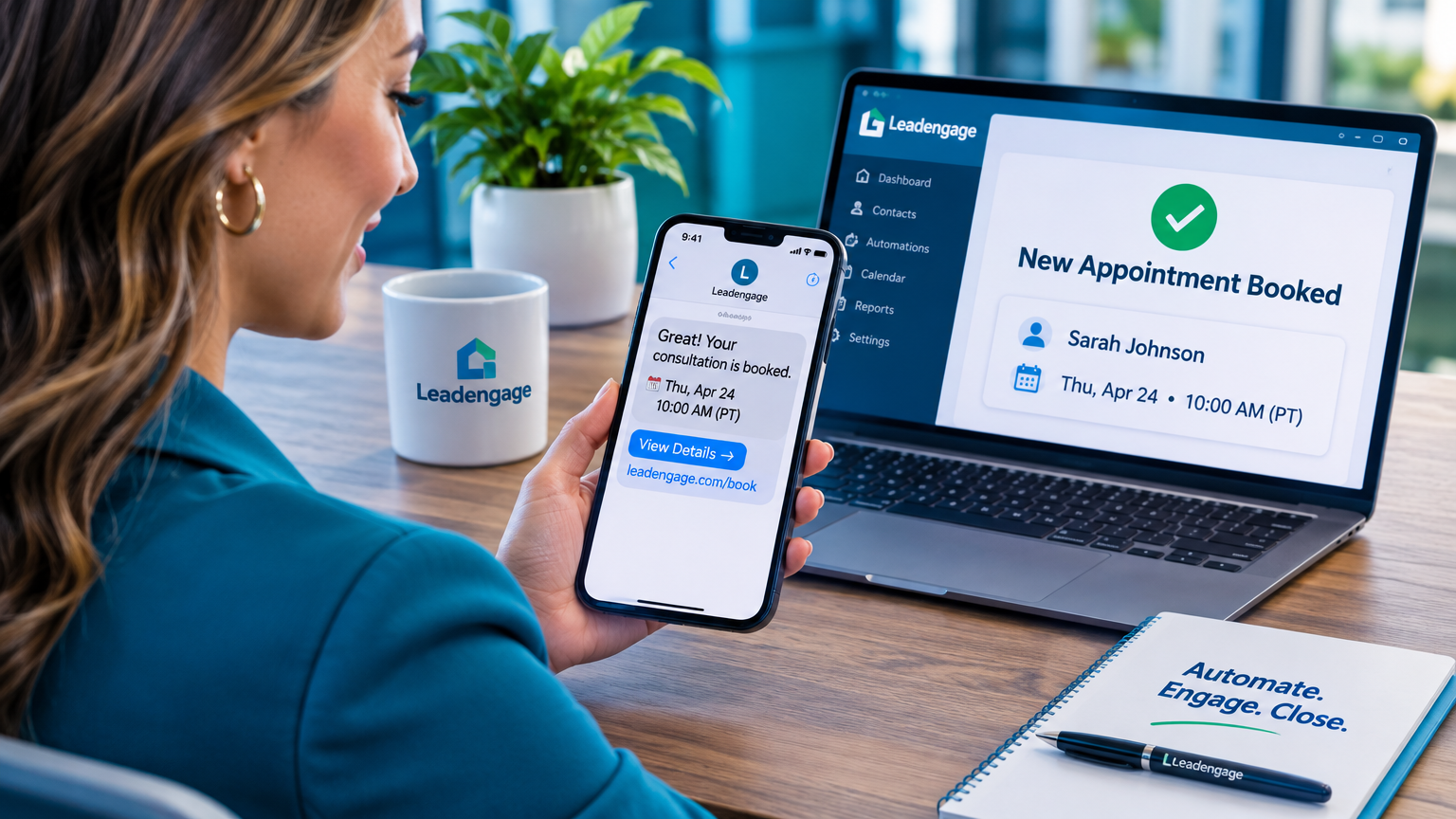
How Real Estate Agents Use SMS Booking Links to Get Buyer Consultations Scheduled Without Playing Phone Tag
You got a new buyer lead. They filled out a form, clicked a listing, or replied to a drip text. They're warm. Now you need to get them on the calendar — and so begins the back-and-forth that burns an hour of your day for a 30-minute meeting.
Most agents default to calling, leaving a voicemail, texting back manually, and waiting. The lead goes cold while you're playing scheduler. Leadengage fixes this with automated SMS booking links — a single text that fires automatically, drops your calendar link directly into the conversation, and lets the buyer pick a time themselves. No calls. No voicemails. No follow-up texts asking "what works for you?"
Here's exactly how it works and why it's one of the fastest ways to increase consultation show rates in your business.
Why Phone Tag Is Killing Your Conversion Rate
The window to book a buyer consultation is narrow. Research consistently shows lead response time is one of the top predictors of whether a prospect converts — and every hour of delay drops your odds. When a buyer has to wait for you to call, then wait for a callback, then coordinate availability over multiple texts, they've already moved on to someone who made it easier.
The fix isn't calling faster. It's eliminating the coordination step entirely by giving the lead one tap to claim a spot on your calendar — right inside the text message they're already reading.
What Does an SMS Booking Link Workflow Actually Look Like?
Inside Leadengage, this workflow runs automatically inside your CRM automation sequences. Here's the basic flow for a new buyer lead:
- Lead registers or responds to a drip text. The CRM tags them as an active buyer lead.
- An automated text fires within minutes — something like: "Hi [First Name], it's [Agent Name] with [Brokerage]. I'd love to set up a quick 20-minute buyer consultation so I can show you homes that actually match your criteria. Here's a link to grab a time that works for you: [booking link]"
- The lead taps the link, picks a time, and confirms. The appointment lands in your calendar automatically and a CRM record is updated with the booked status.
- An automated reminder sequence fires — text the day before, text the morning of, text one hour before. Show rates climb.
- If they don't book within 24 hours, a follow-up text fires automatically with a soft nudge and the link again.
That entire sequence runs without you touching it. You show up to consultations with warm buyers who chose a time that works for them — which also means they're more likely to actually show up.
How Does Leadengage Connect Booking Links to Your CRM?
This is where the setup pays off. Leadengage integrates natively with Follow Up Boss and other leading CRMs, so when a lead books through your Leadengage calendar link, the appointment syncs directly to your CRM contact record. No manual entry. No copy-paste between tools.
You can build the booking link into any automation — your initial lead response sequence, your longer-term buyer nurture drip, your database reactivation campaign for older leads, or a standalone broadcast campaign when you open up new availability slots. The link goes wherever your SMS goes.
Agents on teams can also use round-robin calendar booking so inbound leads get routed to the next available buyer agent automatically — keeping workloads balanced and ensuring no lead sits unbooked. If you haven't set that up yet, it's worth exploring alongside this workflow. (See how real estate teams use round-robin booking to fill every agent's calendar automatically.)
Is This Just for New Leads?
Not even close. SMS booking links are useful across your entire pipeline:
- Database reactivation: Text old leads who went cold with a "checking in — ready to look at homes again? Grab 20 minutes here" message and your booking link.
- Open house follow-up: Send a booking link in your post-open-house sequence so interested visitors can schedule a buyer consult before you even leave the driveway.
- Referrals and sphere: When a contact sends you a referral, fire a booking link to the new lead immediately so they don't wait.
- Expired and FSBO follow-up: After your initial outreach, text a link so motivated sellers can self-schedule a listing consultation when they're ready.
Anywhere you currently have a manual scheduling step, a booking link can remove it. If you're also nurturing leads over a longer timeline, SMS drip sequences that include periodic booking link prompts keep the door open automatically — here's how to build SMS drip sequences for buyer nurture that stay in front of leads until they're ready.
What About Show Rates? Does Self-Scheduling Actually Help?
Yes — and there's a simple psychological reason. When a buyer picks their own time slot, they have higher commitment to it than a time someone else assigned them. Combined with an automated reminder sequence that fires 24 hours out, the morning of, and one hour before the appointment, you close the loop on the most common excuse for no-shows: "I forgot."
Leadengage lets you build that reminder sequence directly into the same workflow — so from the moment someone books, the system takes over and escorts them to your front door.
If you're still losing leads to no-shows in other parts of your pipeline, check out the full breakdown on automated appointment reminders for real estate agents.
Quick Setup Checklist: SMS Booking Link Workflow
- ✅ Set up your Leadengage calendar with your availability, buffer times, and appointment type (buyer consult, listing consult, etc.)
- ✅ Build your booking link into the CRM automation that fires when a new buyer lead comes in
- ✅ Write a conversational, low-friction booking text — keep it under 160 characters if possible
- ✅ Add a 24-hour follow-up text with the link again for leads who didn't book on the first touch
- ✅ Build a 3-message reminder sequence that fires after booking
- ✅ Make sure the booked appointment syncs to your CRM contact record so your team knows who's coming in
Frequently Asked Questions
Can I send a booking link automatically inside a CRM text sequence?
Yes. Inside Leadengage, your calendar booking link can be embedded in any automated SMS sequence — new lead response workflows, drip nurture sequences, database reactivation campaigns, and more. The link fires automatically based on the triggers you set.
Does the booked appointment sync to Follow Up Boss?
Yes. Leadengage integrates natively with Follow Up Boss and other leading CRMs. When a lead books, the appointment is logged to their contact record automatically — no manual entry needed.
What happens if a lead doesn't book after receiving the link?
You can build an automatic follow-up into your Leadengage sequence that fires 24 hours later with a soft nudge and the link again. If they still don't book, they stay in your nurture drip on a longer timeline.
Can I use booking links for seller consultations, not just buyer consults?
Yes. You can create multiple calendar types in Leadengage — buyer consultations, listing appointments, strategy calls, and more — each with its own unique booking link you can drop into any automation.
Do automated appointment reminders work with self-scheduled bookings?
Yes. Once a lead books, your reminder sequence fires automatically based on the appointment time — 24 hours before, the morning of, and one hour before. It runs on autopilot and meaningfully reduces no-shows.
Stop Coordinating. Start Closing.
Every hour you spend chasing a lead to find a meeting time is an hour you're not spending with a buyer who's ready to write an offer. SMS booking links remove that friction completely — leads self-schedule, your calendar fills, and you show up to consultations instead of voicemails.
Leadengage makes this workflow simple to build, easy to automate, and seamlessly connected to your existing CRM setup. If you're ready to stop playing phone tag and start filling your calendar on autopilot, start your free trial at Leadengage today.
