Leadengage Blog
Insights, Tips, and Updates on Text Automation and Follow Up Boss Integration
How Follow Up Boss Helps Real Estate Agents Respond to Leads Faster
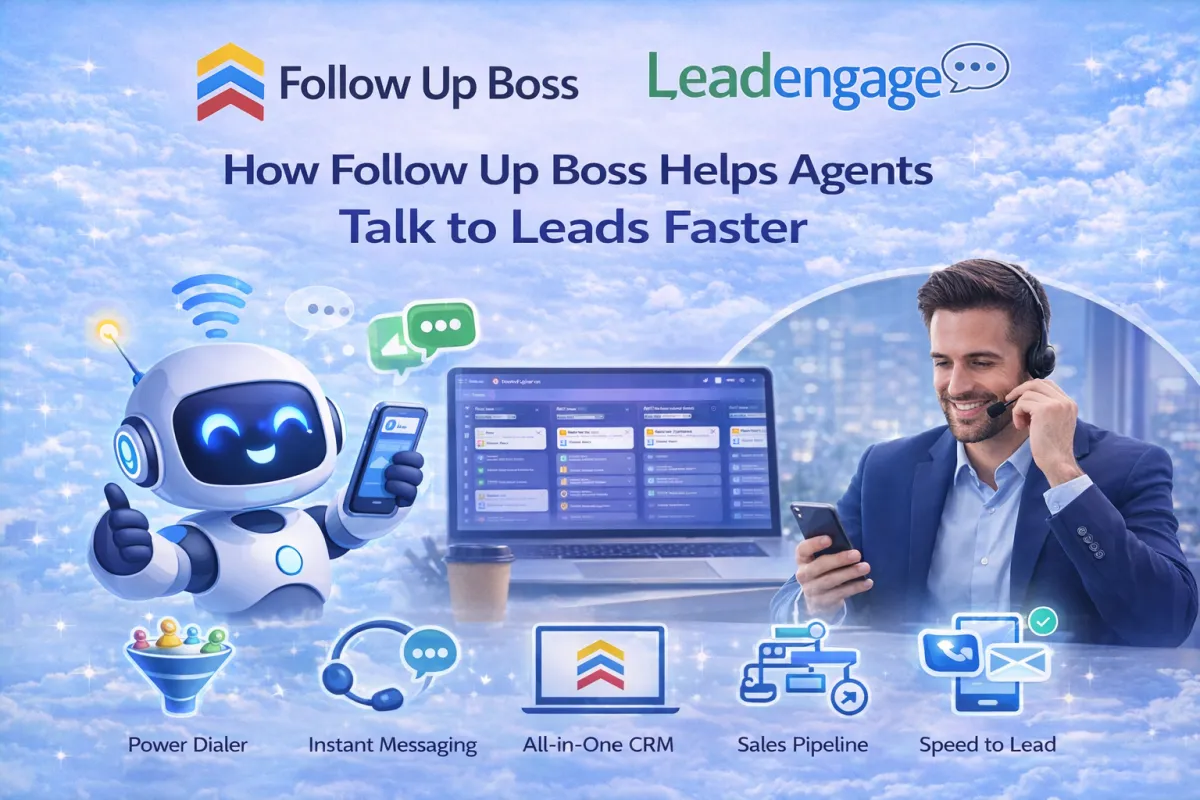
How Follow Up Boss Helps Agents Talk to Leads Faster
Every day, agents talk to many people who want to buy or sell homes. These people are called real estate leads. A lead is someone who may need help soon. Leads can come from ads, websites, social media, or phone calls.
Getting leads today is easier than before. Many tools help with real estate lead gen. But the real challenge is replying to each lead quickly.
This is where Follow Up Boss helps. Follow Up Boss is a system called CRM. CRM means Customer Relationship Management. It keeps all leads, messages, and tasks in one place.
When agents use Follow Up Boss with Leadengage, they can reply faster and stay organized. They do not need to check multiple apps or remember every lead.
Why Fast Replies Matter
People who send a message about a home want a fast reply. If an agent replies quickly, the lead feels important and respected. This builds trust.
If the reply comes late, the lead may lose interest or talk to another agent. Studies show that the first agent who replies often wins the lead.
Follow Up Boss helps agents reply fast, even when they are busy. Leadengage sets up the system so every lead gets attention on time.
Keep All Leads in One Place
Leads can come from many places. Some from forms, some from calls, some from websites. Checking all apps can waste time and cause missed leads.
Follow Up Boss puts all leads in one dashboard. Agents can see every new lead at a glance. This helps them reply quickly. Leadengage ensures the dashboard is easy and effective.
Fast Text Messages
Most people read texts very fast. Follow Up Boss lets agents send and receive texts inside the system. They do not need to use their personal phone.
When a new lead arrives, the system can send a welcome text immediately. This shows the lead the agent is ready to help. Leadengage sets up professional text templates.
Automatic Follow-Up
Not every lead replies right away. Some people are busy or need time to decide. Follow Up Boss can send follow-up messages automatically after hours or days.
This keeps the conversation alive. Agents do not need to remember every message. Leadengage ensures timing and messages are perfect.
AI Helps When Agents Are Busy
Agents cannot reply all the time. Leads may contact them at night or during meetings.
Follow Up Boss AI can reply to simple questions, ask basic details, and keep the conversation going. This stops leads from going cold. Leadengage sets up AI messages professionally.
Missed Call Texting
Sometimes agents miss calls while showing homes. Follow Up Boss can send a text after a missed call. This message tells the lead the agent will call back soon. Many leads reply to this message.
This small step keeps leads engaged. Leadengage makes sure these messages are set up correctly.
Drip Messages
Some leads are not ready to act today. They may buy or sell months later.
Follow Up Boss can send drip messages over days or weeks. These messages share tips, updates, or check-ins. This keeps agents in the lead's mind.
Leadengage sets up these messages to work automatically.
Better Organization
Agents have many tasks every day. Follow Up Boss keeps notes, reminders, and messages in one place. Agents can focus on helping clients instead of managing tasks.
Leadengage provides full setup and support for smooth automation.
Final Thoughts
Fast replies and good follow-up are key. Follow Up Boss, with Leadengage, helps agents stay organized, reply quickly, and keep leads active.
Using these tools, agents can turn more real estate leads into clients. They can improve real estate lead gen and succeed in lead generation for real estate.

Pricing
Affordable Plans, Starting At Just $149
Get powerful tools and seamless integration for as low as $149. Choose the plan that helps your business grow.
FAQ
How do usage credits work?
Each plan includes a monthly Wallet Credit that covers communication and AI processing costs — including SMS (A2P compliant), phone calls, voicemail drops, email sending, and AI features.
When you send messages, make calls, use email, or trigger AI features, the cost is deducted from your included Wallet Credit.
Higher-tier plans receive lower carrier and AI rates, which is why they include more usage per month.
Most agents never exceed their included usage.
What happens if I go over my monthly included usage?
If you exceed your included Wallet Credit, additional usage is billed automatically at standard carrier and AI processing rates.
There are:
• No surprise charges
• No penalties
• No plan interruptions
You simply continue operating as normal, and only pay for the additional usage you actually consume.
You can view detailed usage rates at any time on our Transparent Usage Pricing page.
What is a Message Segment?
A message is counted as a standard SMS segment, which is up to 160 characters of plain text. If a message exceeds 160 characters, it may be split into multiple segments. Certain special characters or emojis can also reduce the character limit per segment. Most standard text messages fall within a single segment.
Does Leadengage work with Follow Up Boss?
Yes, we offer an embedded app within the Follow Up Boss sidebar for easy access to many our features as well as the enabled drip texting within action plans! Most of our features run through FUB notes and then SMS gets converted to show as marketing text messages in FUB.
Not using Follow Up Boss? No problem, we suggest the Platform plan for access to additional features however you can still use the Messaging Plan for some of the functions.
Is there an extra cost per user?
There is one subscription fee for Leadengage for each master Follow Up Boss account. Your Leadengage account covers all users within your Follow Up Boss account, whether it's one or fifty users (or more). Once enabled for one user, all users have access to the Leadengage widget and drip texting in action plan ability in FUB. You will pay additional for going over your usage limits if your team is very active in messaging. Each plan with texting includes a complimentary credit to the wallet balance every month to cover some usage. We have additional plans with lower usage fees and more credit coverage, or you can pay for usage as you go. Visit leadengage.com/pricinglc for usage costs and complimentary credit amounts.
We recommend only the team owner and admin/operations manager have access to the Leadengage Platform and optional mobile app as all leads, billing, and communication can be viewed.
How does drip texting work?
Leadengage works within Follow Up Boss by adding an additional code to a note within action plans.
For example, the command code and message
[SMS] Hi %contact_first_name% This is %agent_first_name% with %company_name%. I was just notified you registered on our website and I would love to help! Are you currently in the market or just browsing? If you'd rather not be texted, reply stop.
would send a text through your Leadengage number pulling in the merge field data with the [SMS] removed. New texts on days 2 and beyond in the action plan with code [SMS] will send around 9 am
Leadengage also offers timed drip texts through action plans with commands that include 15 minute, 1 hour, and 2 hour delays and texts sent around 9 am, 11 am, 1 pm, 3 pm, 5 pm, and 7 pm. Make sure to use the exact commands we provide, you can see a longer list and full guide at leadengage.com/help
Follow Up Boss action plans drops the note onto the lead at 5 PM of your local time and sends to our system. Leadengage then sends action plan texts with bracket commands (i.e. [SMS]) between 9 am - 8 pm of your local time zone Monday through Friday, and 11:30 am to 5 pm on Saturday and Sunday. Texts scheduled for after those times on any given day will be send the following day at 9 am. We also hold action plan texts on the following holidays Easter, Thanksgiving, Christmas Eve, Christmas, New Year's Eve, and New Year's Day and will deliver the text the day after the holiday.
Any manual texts you send yourself without a delay (not through the action plan) or in action plans without brackets (i.e. SMS) will send instantly without regard to the holiday or time of day.
Leadengage currently allows one action plan text per day per lead. We also suggest spacing at least one day between most texts, if there is an action plan text held from the evening or day before the 2nd text in line will be skipped.
How many social media accounts can I connect?
Social Messages to FUB
At this time Leadengage can connect to one Facebook Page and the primary business Instagram page that is connected to the Facebook page as well as one Google Business Profile. We are working on increasing that limit for message connections. These messages will be pushed into your Follow Up Boss profile and default to the account owner. You can also reply to the messages in FUB through our Leadengage widget or the mobile shortcuts in notes. You can use the tags we send to set automations if you'd like to automatically assign these message leads to another user. At this time we do not support messages to FUB from personal social media profiles.
Social Planner (Included in Leadengage Automation & Platform Plans)
You can connect multiple profiles, pages, groups for each source. Send posts immediately to multiple places or schedule for the future.
Supported Profiles: Facebook Business Page & Reels. Google My Business (limited to GMBs with 10 locations or less). Linked-In Pages and Profiles. Instagram Professional Accounts including Posts, Stories, and Reels. Pinterest. TikTok personal profiles (business accounts coming soon). Both Instagram and Facebook also allow you to add the initial follow up comment which is great for initiating engagement.
Is there a limit to how many sites I can place the web chat widgets on?
There is no limit to the number of sites you can place the Chat Widget on. You can also create and customize different chat widgets for different sites, pages, or purposes.
Does Leadengage reply to the lead responses for me?
Not by default. We want you to be in control of the conversation. You can set up your own action plans for drip texting, use our templates as a guide, or use Kee Technology Solutions for your initial automation and action plan set up. After that, you are in control of monitoring replies and choosing your responses.
Update 2025: We now offer Conversation AI for an additional fee that can respond to incoming messages.

Hear From Our Clients

Integrating FUB and leadngage has been a game changer for my business. It automates all my outbound texting, and has helped me convert tons of leads!
Eileen H
Keller Williams

Before adding Leadngage to Follow Up Boss, we were missing inbound conversations and opportunities from our website, social media, and text inquiries because we were juggling multiple apps. Now, everything is managed seamlessly within Follow Up Boss, all in one place.
Jeremy S
EXP
Our team is thrilled with Leadngage. We've saved money by no longer needing VAs to copy and paste text templates to new leads—everything is automated now.
Brian G
Remax