How Real Estate Agents Use Smart Contact Tags and Pipeline Segmentation to Follow Up With the Right Lead at the Right Time
Here is a problem almost every agent has: a CRM full of leads they are following up with the exact same way. The active buyer hunting in the $400K range gets the same generic check-in text as the past client from two years ago. The expired listing prospect gets the same drip as the fresh open-house lead who just registered ten minutes ago.
When everyone gets the same message, no one feels like you are paying attention, and response rates show it. The fix is not more messages. It is smarter segmentation.
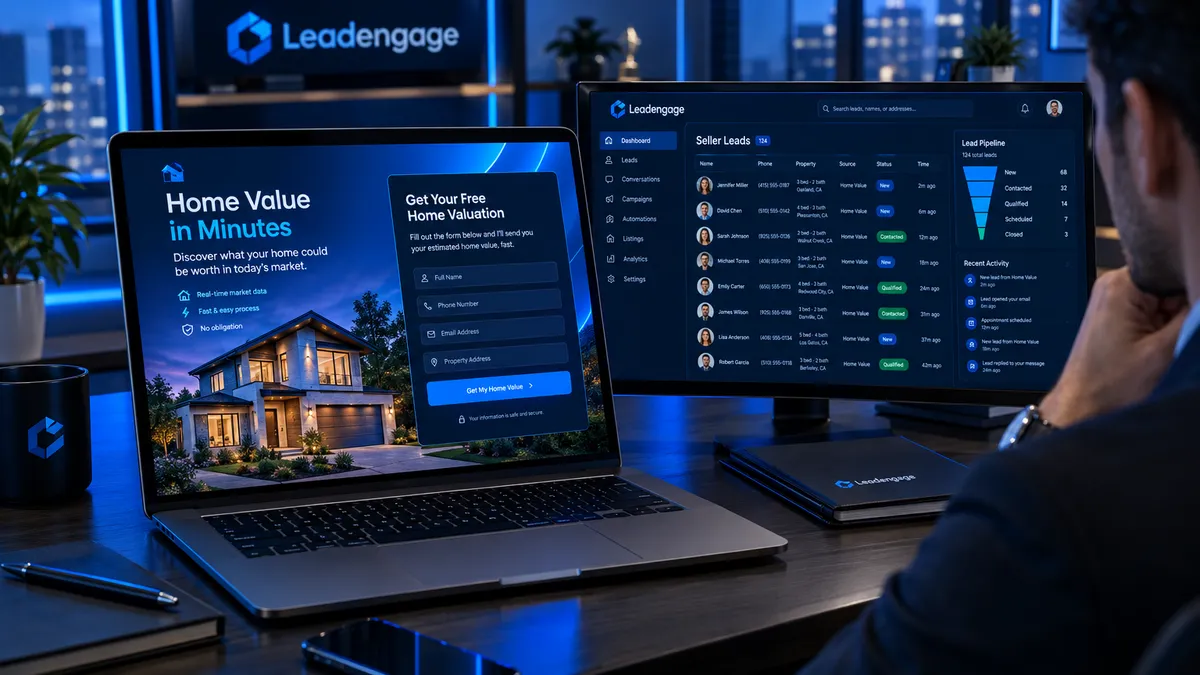
Leadengage lets you tag every contact, build smart filtered lists, and wire those lists directly to automated follow-up sequences so each lead gets a message that actually matches where they are and what they need. Here is exactly how to set it up.
Why Treating Every Lead the Same Is Costing You Deals
Think about what a real estate pipeline actually looks like. At any given time you have active buyers who need to see listings this week, seller leads deciding whether to list in 30 or 90 days, past clients you want to stay top-of-mind with for referrals, cold leads who went quiet but are not dead yet, and investor contacts running entirely different math than anyone else.
Sending the same nurture drip to all five of those groups does not just underperform, it actively damages trust. An active buyer who already has showings scheduled does not need a still-thinking-about-buying text. A seller lead who just filled out a home valuation form does not want to receive a first-time buyer guide. Segmentation is what separates a follow-up system that converts from one that just creates noise.
What Are Contact Tags in Leadengage?
Tags in Leadengage are searchable, filterable labels you apply to any contact record. They are flexible by design. You can create whatever tags match your business, apply them manually or automatically through workflows, and use them to trigger sequences, build filtered lists, and send targeted campaigns.
Think of tags as the intelligence layer on top of your contact database. Every time a lead takes an action, fills out a form, clicks a link, books a call, or misses a showing, you can use that behavior to update their tags and reroute their follow-up automatically.
A few examples of how this works in practice:
- A buyer lead clicks the link in your listing alert email, you tag them active-buyer-engaged, and a showing invitation sequence fires automatically.
- A contact books a home valuation, you tag them seller-lead-warm, and they are enrolled in a pre-listing nurture drip.
- A closed client passes their one-year home anniversary, you tag them past-client-anniversary, and a market update with a soft referral ask goes out automatically.
- A lead stops opening emails after 60 days, you tag them cold-reactivation, and they move to a low-cadence long-term drip.
None of these require you to log in and manually reassign anything. The tags trigger automatically based on actions and timers you configure once.
How Do You Build a Smart List in Leadengage?
Smart lists in Leadengage are filtered contact views built from combinations of tags, pipeline stages, lead source, last activity date, and custom field values. The moment a contact meets your filter criteria they appear in that list automatically. The moment they no longer qualify they drop off and appear on the next appropriate list.
This gives you a live, self-updating view of your pipeline at all times. No spreadsheet maintenance. No manual sorting. You open your CRM and the right contacts are already organized and ready for action.
Here are the four smart list categories we recommend every real estate team set up from day one.
1. Active Buyers - Needs Showings This Week
Filter by contacts tagged active-buyer with a pipeline stage of Showing Scheduled or Looking Now, and last activity within 14 days. This is your hottest list and everyone on it should be getting personalized, timely outreach, not automated blasts.
2. Warm Seller Leads - Not Listed Yet
Filter by contacts tagged seller-lead with a pipeline stage of Considering Listing and created within the last 90 days. These contacts submitted a home valuation, attended an open house, or clicked a seller content piece. Your sequence for this group should deliver listing prep content, neighborhood market updates, and a soft CTA to book a listing consultation.
3. Past Clients - Referral Nurture Track
Filter by contacts tagged past-client with a pipeline stage of Closed and a closed date more than 30 days ago. This group is your highest-value long-term asset. Automated touchpoints including home anniversary check-ins, seasonal market updates, and local community content keep you top of mind without requiring manual effort every month.
4. Cold Leads - Reactivation Candidates
Filter by contacts tagged no-response or cold with last activity more than 60 days ago and a pipeline stage that is not Closed or Dead. This list feeds directly into a reactivation campaign. This approach pairs perfectly with smart list segmentation when you are running an SMS reactivation strategy for your cold CRM contacts. See our post on how to reactivate dead leads with SMS for the exact framework.
Wiring Tags to Automated Follow-Up: The Actual Workflow
Tags become powerful when they are connected to automation. Here is a real-world workflow example for a listing agent running both a buyer and seller pipeline.
Step 1: A lead enters the CRM from a Facebook seller ad. The source is logged automatically. A workflow fires immediately, sends a confirmation text, tags the contact seller-lead-new, and adds them to the New Seller Lead pipeline stage.
Step 2: The lead opens the valuation link and spends time on the page. A second automation detects the link click, updates their tag to seller-lead-warm, and triggers a follow-up text sequence with three neighborhood-specific market data messages spread over the next 10 days.
Step 3: The lead books a listing consultation. The calendar booking updates their pipeline stage to Consultation Booked, removes them from the warm nurture drip, and enrolls them in a pre-appointment preparation sequence with listing prep tips and a morning-of agenda text.
Step 4: Post-consultation, no decision yet. A 3-day timer fires, moves the contact to Pending Decision, adds the tag listing-follow-up-needed, and the agent gets a task notification.
Step 5: The listing goes live. The stage updates to Active Listing and the system fires showing requests to every active buyer on your matching smart list, anyone tagged active-buyer whose search criteria matches the property details stored in the CRM.
That is five distinct touchpoints, all with the right message, all triggered automatically. The agent shows up for the conversations that require a human and lets the system handle everything in between.
How Does Leadengage Work With Follow Up Boss?
If your team is running Follow Up Boss as your primary lead routing and contact management hub, Leadengage integrates natively with Follow Up Boss and other leading CRMs. Leads that come into Follow Up Boss can flow into Leadengage where your automated tagging workflows, smart list segmentation, and drip sequences take over without duplicating your existing setup.
Your agents keep the Follow Up Boss interface they are used to for daily speed-to-lead execution, while Leadengage handles the deeper automation layer including tags, smart lists, long-term nurture sequences, broadcast campaigns, and pipeline stage triggers that Follow Up Boss was not built to do on its own. You do not have to choose between systems. You stack them so each one does what it does best.
For teams already using pipeline stage triggers inside Leadengage, read our breakdown of how automated pipeline stage triggers help agents follow up faster and close more deals.
The Tagging System That Works for Solo Agents and Teams
If you are a solo agent, keep your tag architecture simple. Start with four primary tags: buyer-active, seller-active, past-client, and cold-nurture. Add secondary tags as you need them such as investor, first-time-buyer, luxury, or referral-source, but do not build a 40-tag system before you have proven the first four are working. Complexity kills adoption.
If you are running a team, add a routing layer. Tag contacts with the assigned agent name or team role such as assigned-sarah, isa-follow-up, or buyer-agent-mike so smart lists can be scoped per agent. Every agent opens their CRM and sees only their contacts, already segmented and prioritized. Team leads get the aggregate view.
What Results Should You Expect?
The measurable outcome of smart segmentation is higher response rates and shorter time-to-appointment. When a lead gets a message that is actually relevant to where they are, not a generic blast, they respond differently. Teams that implement smart list segmentation also report fewer leads slipping through the cracks on long timelines.
A seller lead who is six months from being ready does not disappear from your pipeline. They stay on a low-cadence nurture list, receive relevant content every few weeks, and when they are finally ready to move they call the agent who stayed relevant. That is usually the agent with the best follow-up system, not the one who made the most calls on day one.
Frequently Asked Questions
Can I apply tags automatically without doing it manually for every contact?
Yes. Leadengage workflows can apply, remove, and update tags automatically based on lead behavior including form submissions, link clicks, calendar bookings, pipeline stage changes, and time-based triggers. You set the rules once and the system handles tagging from there.
How many tags should I have in my real estate CRM?
Start with 4 to 8 core tags that reflect the primary segments you actually work with. Most solo agents need buyer, seller, past client, and cold nurture tags to cover 90 percent of their pipeline. Add more only when a specific use case clearly requires it. Over-tagging creates confusion and reduces adoption.
What is the difference between a pipeline stage and a tag in Leadengage?
Pipeline stages track where a deal is in your transaction workflow such as New Lead, Showing Scheduled, Under Contract, and Closed. Tags describe attributes of the contact that can stack and coexist simultaneously. A contact can be tagged buyer-active, investor, and referral-source at the same time. Stages are singular and tags are layered.
Can Leadengage smart lists trigger automated messages?
Yes. Smart lists can be used as the audience for broadcast campaigns, and individual tags can trigger workflow automations the moment they are applied. The moment a contact is tagged seller-lead-warm, for example, a pre-configured nurture sequence can fire without any manual action.
Does the tagging system work alongside Follow Up Boss?
Yes. Leadengage integrates natively with Follow Up Boss and other leading CRMs. Leads routed through Follow Up Boss can be synced to Leadengage where your tagging workflows, smart list segments, and automated drip sequences extend what Follow Up Boss handles natively.
Ready to stop following up blind? Smart contact tagging and pipeline segmentation inside Leadengage gives you the infrastructure to follow up with the right person, with the right message, at exactly the right moment and to do it automatically at scale. Start your Leadengage trial today and see how smart segmentation transforms your pipeline from a flat contact list into a lead-converting machine.
