
Meet Ask AI: Your All-in-One CRM Assistant
CRM, Ask AI, Leadengage, CRM automation, AI assistant
Meet Ask AI: The AI Assistant Built Into Your CRM That Does (Almost) Everything
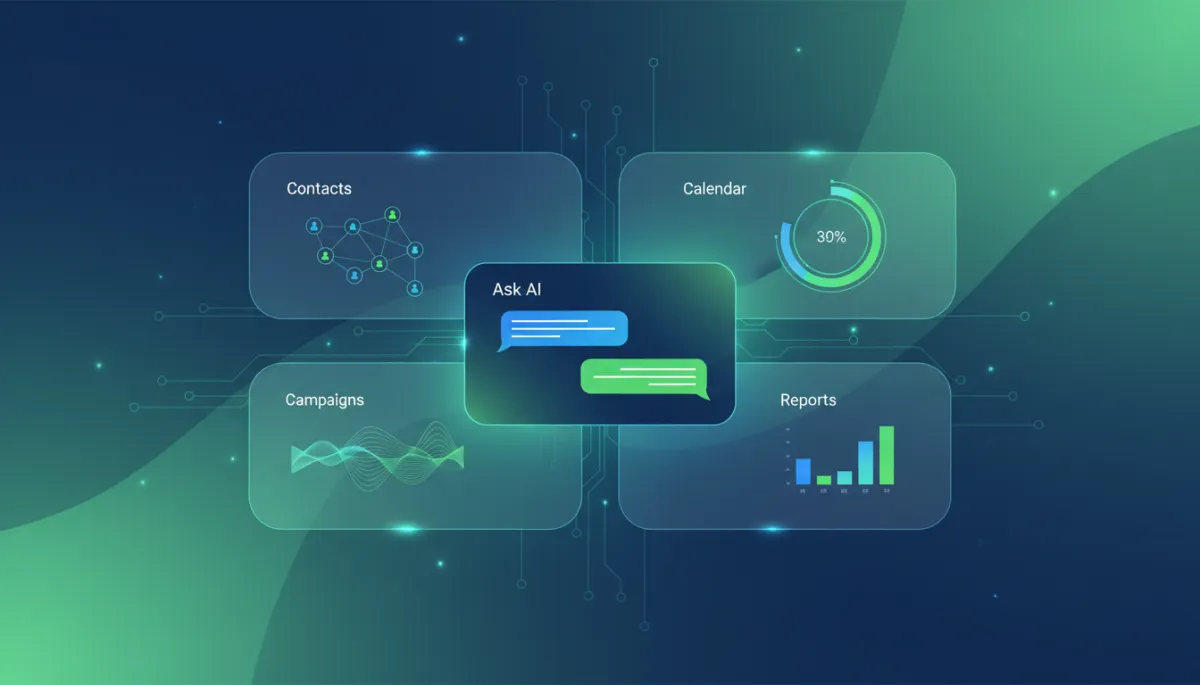
Ask AI turns your Leadengage CRM into a conversational command center that books appointments, launches campaigns, pulls reports, and more — all from a single, simple prompt.
The Way You Use Your CRM Is About to Change Forever
Be honest: even as a committed Leadengage client, you probably have moments where you think, “I know the CRM can do this… I just don’t remember where it lives.” You click through menus, hunt for settings, and lose precious time chasing the tool instead of closing the deal. Those days are over.
What if you didn’t have to click through five menus just to pull a report? What if you could book an appointment, launch an SMS campaign, and update a contact record — all without leaving a single screen? That’s not some distant product roadmap. That’s Ask AI, and it’s sitting inside your Leadengage CRM right now, ready to work at the speed of your next idea.
What Is Ask AI?
Ask AI is your always-on, always-ready CRM assistant, built directly into your Leadengage dashboard. Instead of digging through pipelines, settings, and nested tools, you simply talk to it. Type a question. Type a command. Ask AI does the clicking for you.
Think of it as a highly trained operations assistant who knows every corner of your Leadengage account — from AI-powered sales agents and long-term campaigns ( Leadengage AI agents ) to automations, reporting, and communication credits ( Leadengage home ). It understands what you want to accomplish and then executes across your CRM — no training, no tutorials, no guesswork.
You’re not just searching data. You’re commanding your CRM in plain language — and watching it respond like a seasoned team member who never sleeps, never forgets, and never slows down.
What Can Ask AI Do?
Here’s where it gets exciting. Ask AI isn’t a cute chatbot bolted onto your CRM. It’s wired into the core of Leadengage, giving you real control over the tools you already have — plus a new layer of CRM automation superpowers.
- Contacts & CRM Management: Tell Ask AI, “Find all leads tagged ‘Hot’ from last week,” and it surfaces them instantly. Ask it to create a new contact, add a note after a call, tag a segment, assign follow-up tasks, or manage followers on an account. Your database stays clean and actionable — without you babysitting every field.
- Calendars & Appointments: “Book a call with Sarah for next Tuesday afternoon.” Done. Ask AI can create, update, and cancel appointments, and connect with Google Calendar so your schedule stays perfectly in sync while your AI sales agents continue to fill it.
- Email & SMS Campaigns: Launching outreach is now a conversation. “Draft a reactivation SMS for cold leads” or “Schedule a bulk email to everyone who clicked last week’s campaign.” Ask AI can help you create templates, schedule blasts, and fire off bulk campaigns that feel personal, not robotic.
- Automations & Workflows: Instead of building workflows step by step, you tell Ask AI what you want: “Create a workflow that texts new leads immediately, then follows up every three days for 30 days.” It translates that intent into automation logic, adds contacts, and wires in triggers — aligning with the AI-driven, long-term follow-up campaigns Leadengage is known for.
- Reporting & Dashboards: No more hunting for the right report. Ask, “How many appointments did our AI assistant book this month?” or “Summarize revenue from paid campaigns last quarter.” Ask AI pulls metrics, builds summaries, and highlights trends so you can make fast, confident decisions instead of wrestling spreadsheets.
- AI-Powered Tools: You’re already familiar with AI chat and voice agents that qualify leads and book meetings around the clock. Ask AI takes that ecosystem further with tools like blog writers, image generation, and live web search — giving you a creative engine inside the same platform that runs your follow-up and sales.
- Payments & Invoicing: “Create an invoice for John for the Premium Package,” “Generate a payment link,” or “Apply a 10% coupon.” Ask AI can help you manage products, coupons, and Stripe-powered payments so you close the loop from first touch to paid in one place.
- Social Media: Connect Facebook, Instagram, LinkedIn, and TikTok, then say, “Schedule a post promoting our new offer every Friday this month.” Ask AI helps you line up consistent, cross-channel visibility without juggling multiple tabs and tools.
- And more, without limits: Phone management, reputation management, knowledge bases, memberships, custom objects, documents, contracts, compliance workflows — Ask AI plugs straight into the features you already have and makes them radically easier to use.
Why This Matters for Leadengage Clients
Most CRM users barely tap into what their system can do. Not because they don’t care, but because complex tools demand time, training, and mental energy. When you’re juggling leads, calls, and campaigns, the last thing you want is a scavenger hunt through menus and settings.
Ask AI obliterates that barrier. You no longer have to remember where a feature lives — only what you want to accomplish. It’s the difference between learning every button in a cockpit and simply telling the pilot where you want to go. For teams already seeing more appointments and revenue from Leadengage’s AI agents, Ask AI is the multiplier that makes the rest of your CRM just as effortless.
The result? Faster execution, higher adoption across your team, and a CRM that finally works at the pace of your business — not the other way around.
How to Get Started with Ask AI
- Log into your Leadengage CRM. You’re already paying for a powerhouse — now you’re about to unlock its control center.
- Click the Ask AI button. You’ll see it right inside your dashboard, ready to take your first command.
- Start typing. Try prompts like “Show me all leads from this week with no follow-up,” “Create a 3-text nurture sequence for new buyer leads,” or “Summarize my appointments and revenue for the last 30 days.”
Your CRM Is No Longer Just a Database
With Ask AI, Leadengage stops being “that place where data lives” and becomes a fully conversational command center. You ask. It listens. It acts. It ties together your AI agents, campaigns, workflows, payments, and reporting into one fluid, intelligent experience that moves as fast as you think.
This is the future of running your business — a future where your AI assistant inside Leadengage handles the heavy lifting, and you stay focused on strategy, relationships, and growth. The best part? You don’t have to wait for it. Ask AI is already live in your CRM. Open it, type your first command, and experience what happens when your CRM finally feels as powerful and responsive as your ambitions.
