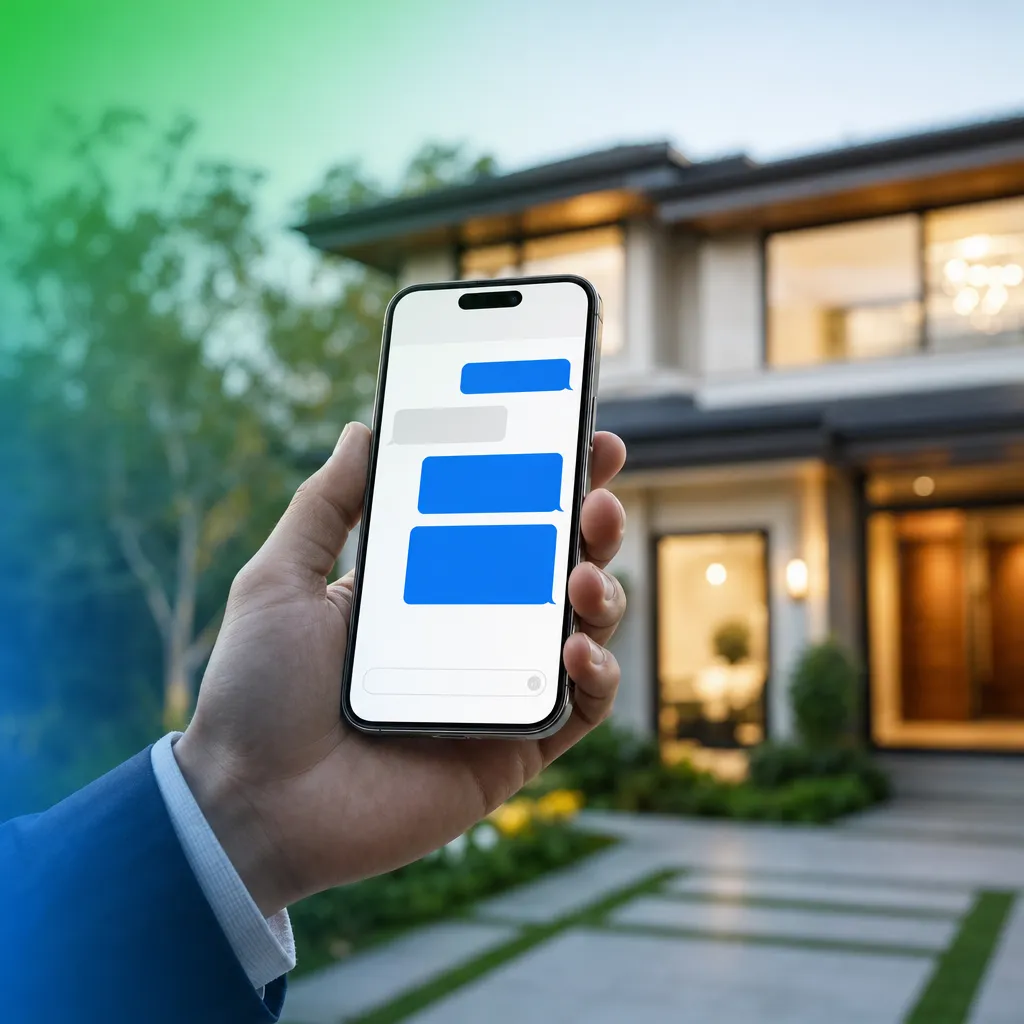
Why Real Estate Agents Are Using iMessage to Confirm Showings (And Getting Way More Replies)
Why Real Estate Agents Are Using iMessage to Confirm Showings (And Getting Way More Replies)
You have confirmed a showing three times. Once by email. Once by standard SMS. Once by voicemail. And your buyer still ghosts you the morning of the appointment.
Sound familiar? The problem is usually not the buyer. It is the channel. Most confirmation texts get lost in a sea of green-bubble marketing messages that feel like spam. Leadengage Blue changes that by letting you send showing confirmations directly through iMessage, the blue-bubble channel your buyers already use to text friends and family. That single shift changes how your messages land.
The short answer: iMessage showing confirmations sent through Leadengage Blue arrive as blue bubbles, show read receipts, and carry the same visual trust signals buyers associate with personal conversations. That means higher open rates, faster replies, and fewer no-shows.
Why the Channel Matters More Than the Message
In 2026, the average buyer is navigating a flooded inbox. They are getting drip emails from portals, green-bubble texts from automated dialers, and robocalls they never answer. Against that backdrop, a standard SMS showing confirmation reads like every other automated message they have learned to ignore.
iMessage looks different. It looks personal. When a buyer sees a blue bubble from their agent, especially one that shows the agent has seen their reply, it signals a real conversation is happening. That psychological distinction drives real behavior change.
Agents using Leadengage Blue report response rates exceeding 40 percent on outreach, more than double what traditional SMS typically achieves. The channel is doing the heavy lifting before your message even gets read.
What Does a Leadengage Blue Showing Confirmation Actually Look Like?
Here is a real-world workflow a buyer agent can run the day before a showing.
Step 1: 24-hour confirmation message. You send an iMessage through Leadengage Blue: Hi Sarah! Just confirming your showing tomorrow at 2pm at 412 Maple Street. Does that still work for you? Sarah sees it as a blue bubble. It feels like a text from a friend. She replies in seconds because it looks like a real conversation, not a notification.
Step 2: Day-of reminder with the listing photo. Because Leadengage Blue supports full-resolution image delivery over iMessage, you can drop the actual listing photo into the confirmation thread. Not a compressed thumbnail, the real high-res image. Buyers who had mentally deprioritized the showing get excited again when they see the property.
Step 3: Read receipt awareness. When the buyer opens your message, you see it. No more wondering if the confirmation landed. If they read it at 8am and have not replied by 9am, you send a quick follow-up before they make other plans. That visibility alone saves agents hours of uncertainty every week.
Does iMessage Showing Confirmation Work for Teams?
Absolutely, and team setups often see the most dramatic improvement. On a typical buyer team, the ISA schedules the showing and the buyer agent handles the day-of interaction. The handoff is where confirmations break down. If the ISA sends a green-bubble text and the buyer never replies, the agent shows up to an empty driveway.
With Leadengage Blue connected to your Follow Up Boss workflow, every iMessage confirmation is logged automatically in the contact activity timeline. The buyer agent can see exactly what was sent, when it was read, and how the buyer responded, without asking the ISA to recap. That visibility keeps the whole team aligned and dramatically reduces no-show rates.
For brokerages running centralized showing coordination, Leadengage Blue scales across agents without sacrificing the personal, high-trust feel that makes iMessage effective.
What Happens When the Buyer Is Not on an iPhone?
This is one of the first questions agents ask, and it is a fair one. Not every buyer uses an iPhone. Leadengage Blue handles this with automatic fallback messaging. If a contact does not support iMessage, the confirmation routes through standard SMS automatically. You never manage two separate lists or check device types manually. The system detects the setup and delivers the message through the best available channel.
iPhone buyers get the blue-bubble experience. Android buyers still get the text on time. No gaps, no manual sorting.
How to Build This Into Your Showing Workflow
Getting iMessage showing confirmations running through Leadengage Blue does not require a complex setup. Here is a straightforward path:
- Connect Leadengage Blue to Follow Up Boss. Every confirmation message logs directly in FUB activity, so nothing falls outside your CRM.
- Build a simple confirmation sequence. A 24-hour iMessage, a day-of photo message, and a 2-hour reminder covers 95 percent of scenarios. Each fires automatically based on your calendar appointment data.
- Use merge fields for personalization. Include the buyer name, property address, and showing time. Personalized iMessages consistently outperform generic ones.
- Set a follow-up task if a message goes unread. Leadengage Blue read receipts let you trigger a task automatically when a confirmation has not been replied to within a defined window.
If you are already using Leadengage for SMS drip campaigns and lead capture, Leadengage Blue adds a high-trust messaging layer on top of those workflows, not a replacement for them. Your existing SMS lead capture sequences keep running while iMessage handles the high-stakes moments like appointment confirmations and listing photo delivery.
3 More iMessage Use Cases Beyond Showing Confirmations
Once showing confirmations are dialed in, Leadengage Blue opens up additional moments where iMessage outperforms standard SMS.
1. Open house follow-up. Send a personal iMessage to every attendee within 30 minutes of the open house ending. Include an interior photo and a direct question: What did you think? Would you want to see it again? Agents using Leadengage Blue have generated same-day second showings from this specific message thread.
2. Listing photo delivery for seller clients. When new photos are ready, drop them directly into a Leadengage Blue message to your seller. High-res delivery, instant viewing, and it feels like a personal update rather than a portal notification. Sellers love it.
3. Co-buyer group updates. If you are working with a couple or a family making a purchase decision together, Leadengage Blue supports messaging configurations that keep multiple contacts in the loop on the same transaction without confusion or missed messages.
Frequently Asked Questions About iMessage Showing Confirmations
Can I send iMessage showing confirmations automatically or does each one require manual sending?
Leadengage Blue supports automated iMessage sequences triggered by appointments in your calendar. You build the sequence once and it fires automatically for every scheduled showing without any manual action required.
What if my buyer does not have an iPhone?
Leadengage Blue automatically detects whether a contact supports iMessage. If they do not, the message falls back to standard SMS so they still receive the confirmation on time. You do not need to manage two separate lists.
Does Leadengage Blue sync confirmation messages into Follow Up Boss?
Yes. Every Leadengage Blue message sent and received is logged in the contact activity timeline in Follow Up Boss. Your whole team can see the confirmation thread, the buyer reply, and read receipt status without leaving FUB.
Is Leadengage Blue compliant for business iMessage use?
Leadengage Blue is built with internal compliance guardrails that follow best practices for business iMessage use. The platform monitors response rates and message velocity to protect your sender reputation. During onboarding, the Leadengage Blue team walks you through guidelines specific to your real estate use case.
How is Leadengage Blue different from texting buyers from my personal iPhone?
Texting from your personal iPhone does not log to your CRM, does not support automation, and breaks down the moment you hand off a contact to another team member. Leadengage Blue delivers the same blue-bubble experience with full automation, CRM sync, team visibility, and the ability to run confirmation sequences at scale across your entire buyer pipeline.
Ready to Stop Chasing Showing Confirmations?
If you are still sending plain SMS confirmations and hoping buyers show up, there is a better way. Leadengage Blue brings the trust of iMessage into your real estate workflow with automation, CRM sync, fallback messaging, and read receipts built right in.
See how Leadengage Blue works and request a demo at leadengageblue.com
Your buyers are already on iMessage. Your showing confirmations should be there too.
